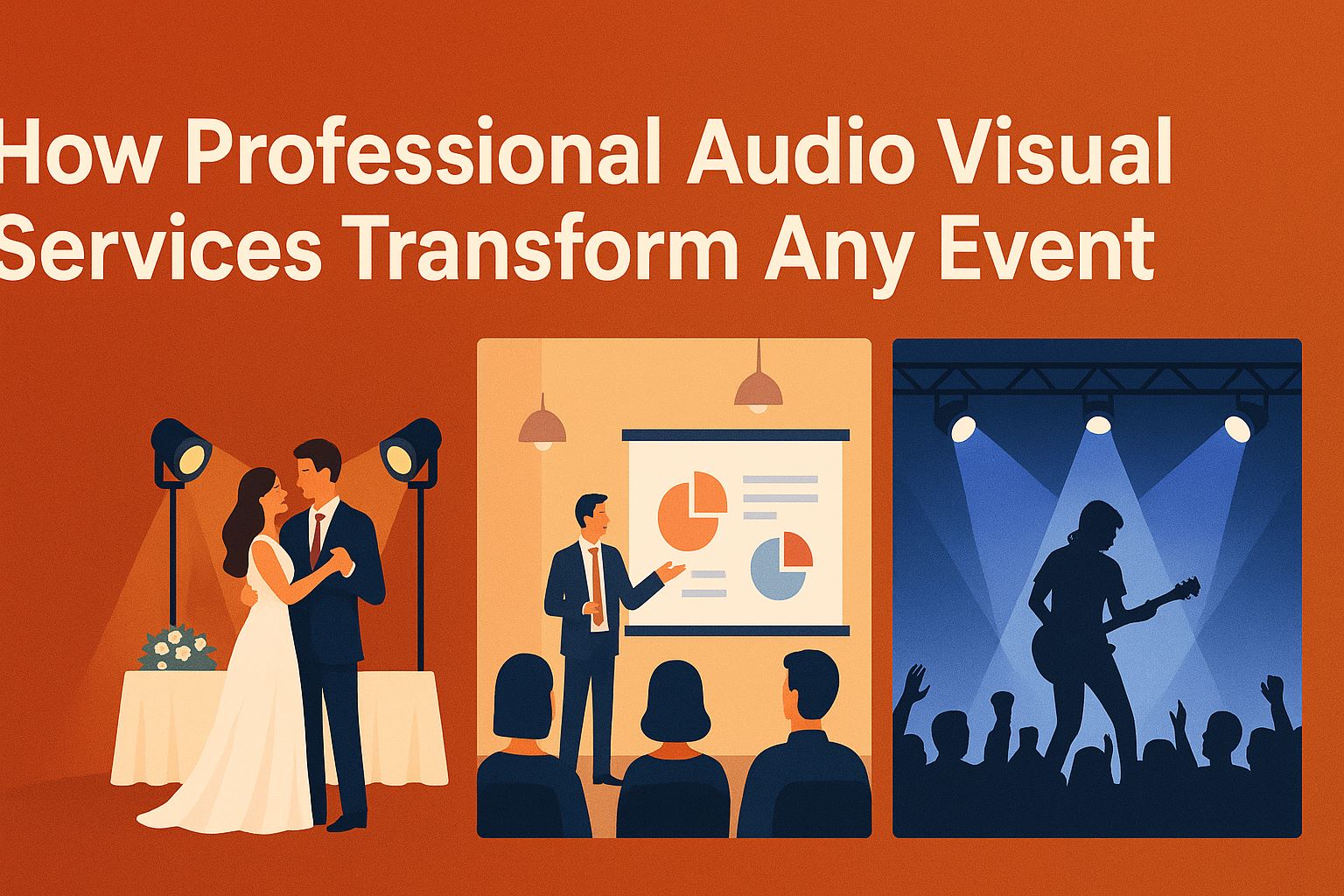
Audio-visual (AV) elements are the backbone of any memorable event. Whether it’s a corporate conference, a wedding reception, or a product launch, your AV setup determines how your message is delivered and how your audience experiences it. Surprisingly, even seasoned planners underestimate the complexity of AV planning. From ensuring microphones don’t fail mid-presentation to confirming screens are visible to everyone, getting your AV right is crucial.
In fact, the smallest oversight—like using outdated cables or forgetting backup batteries—can derail an otherwise perfect occasion. This is why integrating a robust AV checklist for events early in your planning process is not just smart, it’s essential.
Why AV is the Unsung Hero of Successful Events
Picture this: You’re attending a conference. The keynote begins, and the speaker strides onstage, brimming with energy. But as soon as they start talking, the microphone crackles, the volume drops, and everyone in the back rows starts craning their necks and whispering.
Or maybe you’re at a wedding reception. The video montage flickers and stalls, and the bride and groom’s carefully prepared memories turn into a frustration-filled scramble to “get the tech working.”
In both cases, it’s not the décor, catering, or even the speeches themselves that people remember—it’s the AV failure.
AV is the unsung hero because, when it’s working, nobody notices it. That’s the point. Seamless AV allows your event to shine without distractions. But when something goes wrong, it’s instantly obvious.
This is why AV planning deserves as much attention as any other part of your event. The sooner you embrace that mindset, the fewer headaches you’ll have later.
The High Stakes of Overlooking AV Details
You’d be surprised how many planners—yes, even experienced ones—wait until the last minute to sort out AV. Sometimes it’s budget constraints, other times it’s the false assumption that “the venue has it covered.”
But here’s the reality:
- AV impacts perception. A glitchy livestream or distorted audio screams unprofessional.
- Technical issues waste time. Every minute spent fixing a problem is a minute your audience is disengaged.
- Errors create stress. A poorly planned AV setup makes everything feel harder than it needs to be.
And the costs aren’t just reputational. If your event relies on sponsors, ticket sales, or partnerships, a technical failure can jeopardize future opportunities.
The good news? You can prevent 95% of these problems by understanding the basics and planning proactively.
The Anatomy of Event AV Setup
Before you can build your checklist or budget, you need to get clear on what AV actually includes. It’s more than just “a speaker and a screen.”
At its core, AV encompasses any technology that delivers sound and visuals to your audience. This includes:
- Audio: Microphones (wired, wireless, lapel), speakers, mixers, and amplifiers.
- Visuals: Projectors, LED screens, monitors, and video switchers.
- Lighting: Spotlights, uplights, stage lighting.
- Connectivity: Cables, adapters, internet connections.
- Control Systems: Consoles, remotes, and software.
What Does AV Really Include?
Here’s a simple way to think about it: If it makes something louder, brighter, or more visible, it’s part of your AV ecosystem.
That might sound obvious, but it’s easy to forget little details—like extension cords, spare batteries, and the right cables to connect devices. These “small” components often cause the biggest headaches.
The Core Components You Can’t Ignore
- Microphones: Depending on your event, you might need handheld mics for Q&A, lavalier mics for presenters, or headset mics for mobility.
- Speakers and Amplifiers: These ensure everyone can hear, no matter where they’re seated.
- Projectors or Screens: Whether you’re showing slides or videos, visuals must be crisp and visible.
- Lighting: Proper lighting does more than make things look nice—it keeps people engaged and focused.
- Signal Pathways: Every connection between devices has to be tested. A single bad cable can derail everything.
How AV Shapes the Attendee Experience
Think of AV as the conduit for your message. Done right, it feels effortless. Done poorly, it creates confusion and frustration.
Here are just a few ways AV influences your event:
- Sound clarity affects how well people understand speakers.
- Visual quality impacts how professional your content appears.
- Lighting sets the mood and draws attention to what matters most.
That’s why AV isn’t an afterthought—it’s the backbone.
The Most Common AV Planning Mistakes (And How to Avoid Them)
Let’s be honest mistakes happen. But most AV issues can be traced to a handful of predictable oversights.
Here are the big ones you absolutely need to watch for:
Underestimating Power Needs
This is probably the number one mistake. Every piece of equipment draws power, and if you haven’t calculated your total load, you risk:
- Blowing a fuse mid-event.
- Overheating outlets.
- Losing critical systems.
Pro Tip: Create a detailed list of every device, note its wattage, and confirm with the venue that circuits can handle the load. When in doubt, ask about bringing additional power sources or generators.
Skipping a Venue Walk-Through
No two venues are the same. You can’t rely on floor plans alone. During your walk-through:
- Locate power outlets and test them.
- Measure ceiling height for projector placement.
- Check acoustics—do voices echo?
- Assess lighting—can you dim or adjust it?
These simple checks prevent surprises that can sabotage your event.
Forgetting a Technical Rehearsal
Your presenters may be confident, but technology can still betray you. A technical rehearsal is your insurance policy.
During rehearsal:
- Test every microphone.
- Play every video in your presentation.
- Check all lighting cues.
- Walk presenters through how to use remotes and clickers.
Even 30 minutes of testing can save you hours of troubleshooting later.
Overlooking Internet and Connectivity Requirements
If your event involves:
- Livestreaming
- Virtual guests
- Cloud-based presentations
You need rock-solid internet. Never assume Wi-Fi will be good enough.
Always:
- Confirm bandwidth requirements.
- Test connections on-site.
- Have a wired backup if possible.
Building Your Foolproof AV Checklist
Here’s where all the planning comes together. A great checklist is the difference between confident preparation and a last-minute scramble.
Pre-Event Planning Essentials
- Book AV provider at least 6–8 weeks in advance
Confirm equipment inventory and delivery schedule
Conduct a detailed site visit
Create a power and signal flow plan
Build redundancy into every system (spare mics, cables, adapters)
Day-Of Event Checks
- Arrive early to set up and test everything
- Assign an AV point person
- Rehearse presentations with all presenters
- Verify internet connections
- Check lighting levels in the actual event conditions
Contingency Planning for Emergencies
- Have extra batteries and cables on hand
- Keep a backup laptop preloaded with presentations
- Prepare a printed version of slides as a last-resort option
- Have direct contact numbers for your AV team
Choosing the Right AV Equipment and Vendors
Picking the right equipment—and the people who operate it—can make or break your event. You don’t want to discover on the big day that your vendor has never handled a hybrid conference or that your projector isn’t bright enough for a sunlit ballroom.
How to Match Equipment to Your Audience and Venue
Before you rent or buy anything, consider these questions:
- How big is the space? A small meeting room doesn’t need the same speakers as a large ballroom.
- How many attendees will be there? The more people you have, the more powerful (and numerous) your equipment needs to be.
- What’s the seating arrangement? Theatre-style seating requires different speaker placement than round tables.
- Will some guests attend remotely? If so, you’ll need cameras, streaming software, and possibly dedicated internet bandwidth.
Tip: Share detailed information about your venue and audience with your AV provider. A good vendor will help you select gear that fits your needs without overpaying for unnecessary extras.
Questions to Ask Potential AV Providers
Not all AV vendors are created equal. To avoid surprises, ask them:
- What experience do you have with events like mine?
A wedding requires different skills than a corporate product launch. - Do you provide on-site technicians during the event?
Some vendors drop off equipment and leave you to figure it out. - What is your contingency plan if something fails?
Reliable vendors always have backup equipment. - Can you provide a detailed itemized quote?
This helps you avoid hidden fees later.
Pro Tip: Get all agreements in writing, including delivery times, setup responsibilities, and technical support.
Deciding Whether to Rent or Buy
Should you rent AV equipment or invest in your own? The answer depends on your budget and how often you host events.
When to Rent:
- You only host a few events per year.
- You don’t have storage space.
- You need the latest technology without a huge upfront cost.
When to Buy:
- You host events frequently.
- You have in-house staff to set up and operate the equipment.
- You want more control over maintenance and availability.
Either way, make sure you budget realistically. Cutting corners on AV is almost always more expensive in the long run when you factor in lost time and potential event disruption.
Conclusion: Avoiding Costly AV Planning Mistakes
Here’s the truth: Your AV setup can be the silent hero or the loudest problem of your event.
Most planners fall into the same traps—assuming the venue has everything covered, skipping rehearsals, or underestimating power and internet needs. But by taking AV seriously from the start, you protect yourself from avoidable disasters and create an experience your guests will appreciate and remember.
If you take away only one thing, let it be this: Start early, plan thoroughly, and build in backup systems. With the right checklist and mindset, you’ll never have to stand in front of a frustrated audience saying, “Sorry, we’re having technical difficulties.”
Ready to create an event where your message comes through loud, clear, and professional? Invest the time upfront, and your AV will be seamless—just the way it should be.
FAQs About Event AV Setup Tips
- What’s the most common AV planning mistake?
Underestimating power requirements and failing to test equipment are the top reasons AV setups fail. - How early should I book AV services?
Aim to book at least 6–8 weeks before your event, especially during busy seasons. - Should I hire an AV professional or DIY my setup?
For anything larger than a small meeting, hiring professionals is strongly recommended. - What should I include in an AV checklist?
Power and equipment needs, backup plans, contact info for all vendors, and a site-specific signal flow map. - How much should I budget for AV?
Allocate 10–15% of your total event budget for AV to avoid compromising quality.